Picking the right AI model for coding used to be simple there were only a handful of options, and the gap between them was obvious. That era is gone.
In 2026, six frontier models sit within 1.3% of each other on the most rigorous software engineering benchmarks. New releases dropped every few weeks in early 2026 alone. The difference between a model that saves you four hours a day and one that constantly needs babysitting is no longer about raw intelligence — it’s about fit. Fit with your codebase, your workflow, your budget.
This guide breaks down what actually matters when choosing an LLM for coding, how the top models stack up on real benchmarks, and which one belongs in your stack — for your specific situation.
Not every metric you see on a leaderboard translates to better code on your screen. There’s a difference between a model that passes a benchmark and one that understands what you meant when you wrote that half-finished function at 11pm.
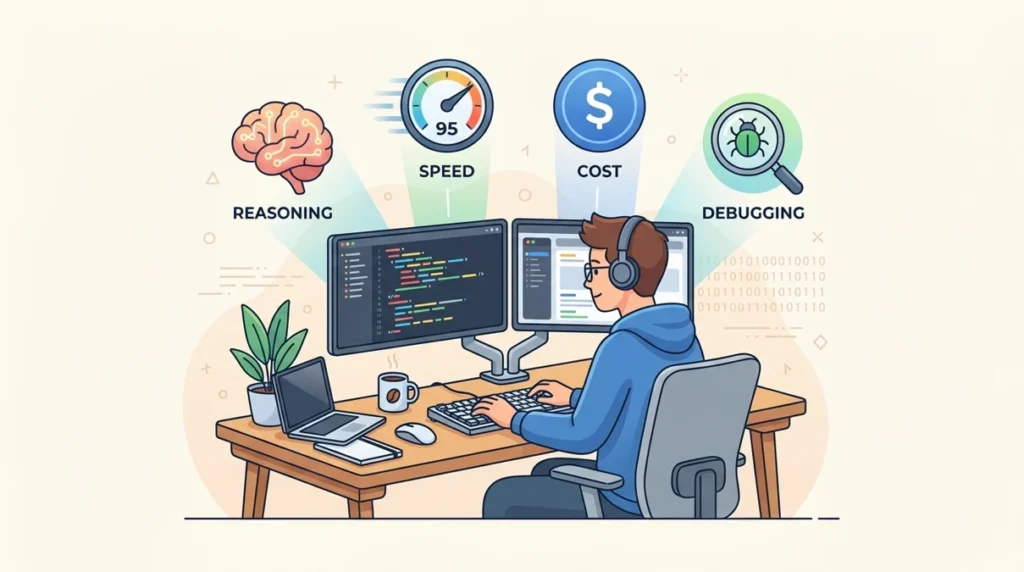
Six things genuinely separate a great coding LLM from a mediocre one:
What Actually Makes a Coding LLM Worth Using?
Benchmarks can be helpful, but real-world coding performance depends on much more than test scores alone.
This table highlights the quality factors that matter most when choosing an AI coding model.
A practical comparison of the most important factors behind real-world coding model performance.
Quality Factor
What It Means in Practice
Why It Matters
Real-World SE Ability
Most Important
Can it fix actual GitHub issues without hand-holding?
SWE-bench Verified is the gold standard. A score above 80% usually signals frontier-level engineering ability.
Context Depth
Can it hold your full repo in memory and reason across multiple files?
A large context window with smart usage reduces mistakes and helps the model understand your codebase better.
Code Generation Accuracy
Does it produce correct code on edge cases, not just simple prompts?
EvalPlus helps reveal whether a model truly writes reliable code or just performs well on basic benchmark tasks.
Debugging & Reasoning
Can it trace a race condition across three files and clearly explain the fix?
Reasoning-focused models usually pull ahead here because they can follow deeper logic chains more accurately.
Speed & Cost
Does it fit your workflow without slowing you down or breaking your budget?
Latency hurts productivity, and high cost limits long-term scalability for teams and solo users alike.
IDE Integration
Does it behave differently inside Cursor compared with the raw API?
The same model can perform very differently depending on the harness, tools, and editor integration around it.
The harness effect is real. Claude Opus 4.6 scores 80.9% on SWE-bench through Claude Code’s agentic scaffold — versus 80.8% via direct API. That same model difference can be 22+ points when you compare a basic API call to a properly optimized coding environment. Choosing the right tool layer is as important as choosing the right model.
How We Evaluated the Best LLMs for Coding
Every model in this comparison was tested against four benchmarks trusted across the developer community plus community feedback, real pricing, and integration behavior in popular IDEs.
*Haiku 4.5 scores 67% under high reasoning mode; 48% under standard mode. 🏆 = Category leader | ✅ = Best overall
Claude Opus 4.6 Best Overall for Real Engineering Work
Claude Opus 4.6 scores 80.8% on SWE-bench Verified independently confirmed as one of the highest scores achieved by any commercial model. When a developer gives it a vague prompt (“the auth flow is broken, something about token refresh”), Opus understands the intent, navigates the codebase, and produces a fix that doesn’t break three other things.
Terminal and CLI-heavy DevOps work (GPT-5.4 wins there)
Budget-sensitive high-volume API calls (MiniMax at 1/16th the cost)
GPT-5.4 Best for Reasoning-Heavy Debugging and Terminal Tasks
GPT-5.4 launched in March 2026 with the highest SWE-bench Pro score of any model at 57.7% — the harder, multi-language benchmark with stricter contamination controls. Its Terminal-Bench 2.0 score of 75.1% also leads the field, making it the go-to model for infrastructure-heavy, CLI-driven workflows.
Released February 2026, Gemini 3.1 Pro tops 13 of 16 major benchmarks and leads LiveCodeBench at 2,887 Elo — the cleanest measure of performance on fresh, unseen problems. At $2/$12 per million tokens, it’s 60% cheaper than Claude Opus 4.6 with only a 0.2-point SWE-bench gap.
Quick Stats:
Model Quick Stats
80.6%
SWE-bench Verified
80.6%
LiveCodeBench
2,887 Elo 🏆
Pricing
$2.00 / $12.00 per million tokens
Context Window
2 million tokens (largest available)
Best For
High-volume workflows, UI development
Price vs. Performance vs. Opus 4.6:
Claude Opus 4.6 vs Gemini 3.1 Pro
Metric
Claude Opus 4.6
Gemini 3.1 Pro
Difference / Winner
SWE-bench Verified
80.8%
80.6%
0.2% (Almost equal)
Input Cost / 1M tokens
$5.00
$2.00
Gemini is ~60% cheaper
Context Window
1M tokens
2M tokens
Gemini wins
Intent Understanding
Stronger
Needs clear prompts
Claude wins
Claude Sonnet 4.6 Best Value in the Claude Family
Claude Sonnet 4.6 scores 79.6% on SWE-bench Verified and delivers near-Opus performance at $3/$15 per million tokens. It powers GitHub Copilot’s Best LLM For Coding agent and leads GDPval-AA Elo — a benchmark for expert-level knowledge work — which translates to better code documentation, clearer PR descriptions, and more useful explanations alongside working code.
Quick Stats:
Model Quick Stats
79.6%
SWE-bench Verified
79.6%
GDPval-AA
Elo Leader 🏆
Pricing
$3.00 / $15.00 per million tokens
Powers
GitHub Copilot coding agent
Best LLM for Large Codebases and Complex Reasoning
Working inside a monorepo or multi-service architecture changes the problem entirely. Raw code generation speed becomes secondary — context depth, cross-file memory, and architectural understanding become the bottleneck.
Context Window Comparison
AI Model Comparison
Context Table
Gemini 3.1 Pro
2,000,000 tokens
Largest monorepos (~1.5M lines)
Claude Opus 4.6
1,000,000 tokens
Enterprise codebases (~750K lines)
MiniMax M2.5
1,000,000 tokens
Large codebases (self-hosted)
Claude Sonnet 4.6
200,000 tokens
Mid-size projects (~150K lines)
Claude Haiku 4.5
200,000 tokens
Small-to-mid projects
GPT-5.4
512,000 tokens
Medium-to-large projects
DeepSeek V3.2
128,000 tokens
Smaller projects / file-by-file
Recommended Model by Codebase Type
Codebase Model Recommendations
Large monorepo (500K+ lines)
Claude Opus 4.6 + Claude Code
Best multi-file reasoning + agentic scaffold
Polyglot / multi-language repo
Gemini 3.1 Pro / GPT-5.4
Strong cross-language performance
Regulated industry (self-hosted)
DeepSeek V3.2
Apache 2.0 license, full data control
Infrastructure / DevOps heavy
GPT-5.4
Leads Terminal-Bench 2.0 by wide margin
Cost-sensitive large volume
MiniMax M2.5
80.2% SWE-bench at low cost ($0.30 / $1.20 per 1M)
Scaffold effect, by the numbers: Claude Code’s agentic harness produces an 80.9% SWE-bench score from the same Opus 4.6 model that scores 80.8% via API — but the gap between a raw API call and a basic Best LLM For Coding harness can reach 22+ points. Build your infrastructure around the model, not just the model itself.
Best LLM for Beginners and Fast Workflows
Not every task needs a flagship model. For fast iterations, syntax questions, and high-frequency small edits, the calculus shifts toward speed and cost. Here’s how the lighter models compare:
Fast-Tier Model Comparison
AI Model Performance Comparison
Model
SWE-bench
Speed
Cost
Best For
Claude Haiku 4.5
67%
Very Fast
$1.00 / $5.00
Learning, syntax help
Gemini 3.1 Flash
64.3%
Very Fast
$0.50 / $3.00
High-frequency tasks
MiniMax Lightning
~78%
Fastest
$0.30 / $1.20
High-volume processing
DeepSeek V3.2
72.8%
Fast
$0.28 / $0.42
Self-hosted systems
*67% under high reasoning mode; 48% standard mode.
Beginner Starter Options
Pricing & Subscription Comparison
Option
Monthly Cost
What You Get
Best For
Claude.ai Free
$0
Sonnet 4.6 with usage limits
Occasional learning
Claude.ai Pro
~$20
Opus 4.6 + extended limits
Serious learners
Cursor Subscription
~$20
Any model + IDE integration
Developers (all-in-one)
Google AI Studio
$0
Gemini 3.1 Flash free tier
Google ecosystem users
Free vs Paid Coding LLMs
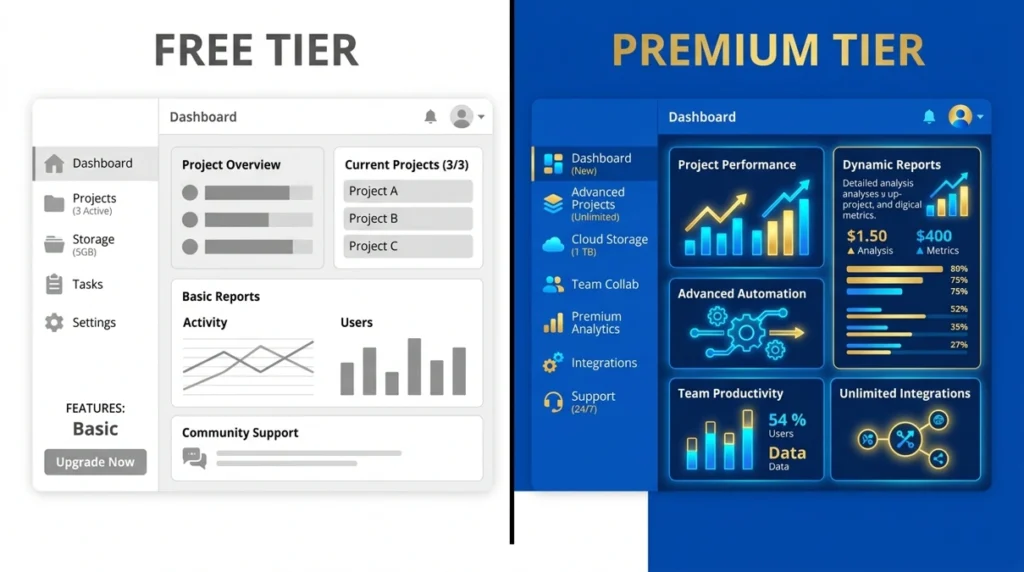
The gap between free and paid has narrowed — but not disappeared. Here’s the honest picture:
Free Tier Overview
Free AI Platforms – Practical Reality
Platform
Free Model / Limit
Limit Type
Practical Reality
Claude.ai
Sonnet 4.6
Daily usage cap
Good for learning; hits limits in extended sessions
Google AI Studio
Gemini 3.1 Flash
Rate limits
Stronger free option than most realize
DeepSeek
V3.2 (self-host)
Infrastructure only
Full capability, zero per-token cost after setup
Qwen2.5 Coder 32B (local)
Hardware dependent
Local GPU required
Runs on consumer GPU; frontier-adjacent for free
Free vs Paid: What Changes
Free vs Paid – Feature Comparison
Feature
Free Tier
Paid API / Subscription
Key Difference
Model Quality
Mid-tier or capped flagship
Full flagship access
Better performance & accuracy
Context Length
Often reduced
Full window (up to 2M tokens)
Handles long documents easily
Agentic Workflows
Limited or unavailable
Full multi-step agent support
Automation & task chaining
Speed Under Load
Rate-limited
Priority throughput
Faster response times
Data Privacy
Varies
Enterprise-grade options
Better security control
IDE Integration
Basic
Full plugin ecosystem
Advanced developer tools
Cost-Efficient Team Strategy
Instead of paying flagship prices for every task, a tiered routing approach saves 60–80% without sacrificing quality where it matters:
AI Model Tiers & Use Cases
Tier
Use Case
Recommended Models
Pricing
Tier 1
Quick questions, syntax help, autocomplete
Claude Haiku 4.5 / Gemini Flash
$0.50 – $1 / 1M input
Tier 2
Standard feature work, code review, daily development
Claude Sonnet 4.6 / Gemini 3.1 Pro
$2 – $3 / 1M input
Tier 3
Complex debugging, architecture, agentic tasks
Claude Opus 4.6 / GPT-5.4
$2.50 – $5 / 1M input
Tier 4
High-volume batch jobs, background processing
MiniMax M2.5 / DeepSeek V3.2
$0.28 – $0.30 / 1M input
Common Mistakes When Choosing a Best LLM For Coding
Developers repeat the same evaluation errors. Here’s a structured breakdown of what to watch for:
Mistake Reference Table
Common Mistakes in AI Model Evaluation
Mistake
Why It Happens
How to Avoid It
Trusting benchmark headlines
SWE-bench Verified ≠ SWE-bench Pro; different harnesses & conditions
Always check benchmark type, harness, and evaluation setup
Optimizing for wrong task
Math reasoning ≠ real-world code quality
Match model strengths with your actual workflow
Ignoring the tool layer
Same model behaves differently across tools & harnesses
Test inside your IDE, not just raw API outputs
Underweighting latency
Slow responses compound in multi-step agent workflows
Run speed tests under real load conditions
Skipping personal evaluation
Benchmarks don’t reflect your codebase or team patterns
Test 3–4 real tasks from your recent work
Locking into one model
Best stacks today are multi-model by design
Use OpenRouter or model-agnostic routing tools
The 5-Minute Evaluation Framework
Before choosing any model, run it against these three tests from your own recent work:
Ambiguous bug prompt — Give it a half-described error with no file context. See if it asks the right clarifying questions or makes confident but wrong assumptions.
Multi-file refactor — Ask it to rename a function that appears in five different files. Check whether it catches all references and explains the change.
Edge case generation — Show it a function you wrote and ask for tests. See whether it covers the cases you’d actually worry about, or just the obvious happy path.
A model that passes your three tests is worth more than a model that tops a leaderboard.
Final Verdict: Which Best LLM For Coding?
There’s no single answer — and anyone who gives you one without knowing your stack, your team, and your budget is guessing. Here’s the honest breakdown:
Quick Decision Matrix
Best AI Models by Use Case
Your Situation
Best Model
Runner-Up
Complex debugging + large codebase
Claude Opus 4.6
Gemini 3.1 Pro
Terminal / CLI / DevOps work
GPT-5.4
Claude Opus 4.6
Best price-to-performance
Gemini 3.1 Pro
Claude Sonnet 4.6
Fast daily development
Claude Sonnet 4.6
Gemini 3.1 Pro
Beginner learning to code
Claude Haiku 4.5
Gemini 3.1 Flash
High-volume batch processing
MiniMax M2.5
DeepSeek V3.2
Self-hosted / regulated industry
DeepSeek V3.2
Qwen 2.5 Coder 32B
Best overall agentic coding
Claude Code + Opus 4.6
GPT-5.4
Final Score Summary
AI Models – Overall Score & Recommendations
Model
Overall Score
Best Category
Avoid If
Claude Opus 4.6
⭐⭐⭐⭐⭐
Complex engineering
Budget is tight
GPT-5.4
⭐⭐⭐⭐½
Terminal + reasoning
You need lowest latency
Gemini 3.1 Pro
⭐⭐⭐⭐½
Price-performance
You use vague prompts
Claude Sonnet 4.6
⭐⭐⭐⭐
Everyday development
You need 1M+ context
MiniMax M2.5
⭐⭐⭐⭐
Cost-sensitive scale
Ecosystem maturity matters
Claude Haiku 4.5
⭐⭐⭐½
Fast + cheap workflows
You need complex reasoning
DeepSeek V3.2
⭐⭐⭐½
Self-hosting
You need frontier performance
Gemini 3.1 Flash
⭐⭐⭐
High-frequency budget work
Quality is priority
The real insight from 2026’s model landscape isn’t about which model wins — it’s that the winning approach is building a stack. Route simple tasks to fast, cheap models. Reserve expensive compute for the problems that actually need it. Evaluate on your own work, not on somebody else’s benchmark. And stay flexible, because the model that leads today will face a serious competitor within weeks.
That’s the state of AI coding in 2026: remarkably capable, genuinely useful, and moving faster than any single recommendation can keep up with.
Claude Opus 4.6 is the best overall LLM for coding in 2026, scoring 80.8% on SWE-bench Verified. For terminal and CLI-heavy work, GPT-5.4 leads with 57.7% on SWE-bench Pro. If budget matters more, Gemini 3.1 Pro delivers near-identical performance at 60% lower cost. The honest answer is that the best model depends on your workflow — complex codebases need Opus, fast daily tasks need Haiku or Flash.
Q2: Is ChatGPT or Claude better for coding?
Both are strong, but they lead in different areas. Claude Opus 4.6 performs better on multi-file reasoning, large codebase navigation, and understanding vague or ambiguous prompts. GPT-5.4 pulls ahead on terminal operations, CLI tasks, and SWE-bench Pro — the harder multi-language benchmark. For everyday coding, Claude Sonnet 4.6 and GPT-5.4 are practically neck and neck on most tasks.
Q3: What is SWE-bench and why does it matter for coding LLMs?
SWE-bench Verified is a benchmark that tests AI models on 500 real GitHub issues. The model must read an actual codebase, write a patch, and pass all unit tests — without any human help. It is widely considered the most realistic measure of coding ability because it replicates what developers actually do every day. A score above 80% means the model can handle real engineering work, not just textbook problems.
Q4: Can I use a free LLM for coding?
Yes, several strong free options exist. Claude.ai’s free plan includes access to Sonnet 4.6 with daily usage limits. Google AI Studio offers Gemini 3.1 Flash for free with rate limits. For developers comfortable with self-hosting, DeepSeek V3.2 runs locally under Apache 2.0 license at zero per-token cost. Free tiers work well for learning and light tasks — extended agentic sessions and large context work require paid plans.
Q5: Which LLM is best for beginners learning to code?
Claude Haiku 4.5 is the top pick for beginners. It is fast, affordable at $1 per million input tokens, and explains code clearly rather than just handing over an answer. For absolute beginners who want everything in one place, a Claude.ai Pro or Cursor subscription at around $20 per month gives the best overall experience — the IDE integration and scaffolding matter more than raw model performance at the learning stage.
Q6: What is the cheapest LLM that still codes well?
MiniMax M2.5 at $0.30/$1.20 per million tokens scores 80.2% on SWE-bench Verified — only 0.6 points below Claude Opus 4.6 at roughly one-twentieth the cost. DeepSeek V3.2 goes even lower at $0.28/$0.42 per million tokens with a 72.8% SWE-bench score. For self-hosted zero-cost operation, DeepSeek V3.2 under Apache 2.0 license is the current cost floor among capable models.
Q7: Does using Claude Code make a difference compared to the raw API?
Yes, significantly. Claude Code’s agentic scaffold produces measurably better results on software engineering tasks than querying the same Claude Opus 4.6 model through the raw API. The difference between a basic API call and a properly optimized coding harness can reach 22 or more points on SWE-bench benchmarks. Choosing the right tool layer around a model matters as much as choosing the model itself.
Q8: Which LLM handles the largest codebases?
Gemini 3.1 Pro has the largest context window at 2 million tokens, making it technically capable of holding the biggest monorepos in memory. Claude Opus 4.6 follows at 1 million tokens with stronger multi-file reasoning — meaning it uses the context it receives more intelligently. For most large codebase work, Claude Opus 4.6 through Claude Code remains the practical recommendation despite Gemini’s larger window.
Q9: Are AI coding models safe for professional and enterprise use?
Most frontier providers offer enterprise-grade data privacy options. Anthropic, OpenAI, and Google all have business plans with data retention controls and compliance support. For teams in regulated industries where data cannot leave internal infrastructure, DeepSeek V3.2 under Apache 2.0 license is the strongest self-hosted option available in 2026 — full capability with complete data sovereignty.
Q10: Will one LLM always be enough or do I need multiple models?
In 2026, the best coding setups use multiple models routed by task type. Fast and cheap models like Haiku or Gemini Flash handle quick questions and autocomplete. Mid-tier models like Sonnet or Gemini Pro cover standard daily development. Flagship models like Opus 4.6 or GPT-5.4 handle complex debugging and architectural work. Tools like OpenRouter make multi-model routing practical without rebuilding your infrastructure from scratch.
About Me — Muhammad Hanif
Seven years ago, one tech problem changed everything for me.
That one problem made me curious, and that curiosity never stopped. Over the years, I took proper courses and built real skills in SEO, freelancing, web development, coding, WordPress, PPC, ADX, Allright ADX, AI tools, affiliate marketing, and digital marketing — one skill at a time, with full focus and hands-on practice.
I created SmartTechIdeas.com with one clear goal — to give people real, useful information about everything tech. Whether you want to learn about AI tools, earn money online, explore gaming, or find honest reviews on mobiles, tablets, watches, and the latest gadgets, this is the place for all of it.
No fake guides. No empty words. Just tested knowledge, shared in a way anyone can understand and actually use.
Real tech. Real help. That is what this site is built for.