


The best AI tools for business depend on the job: ChatGPT, Gemini or Claude for drafting; Zapier or Make for connected workflows; and specialist video or music tools for media. Start with one repeatable task, check privacy and licensing, and measure the time saved after human review. This guide compares six workflows, rather than claiming one product replaces a team.
For a small business, the useful question is where work gets stuck. List tasks repeated each week, their current duration, and the cost of mistakes. A tool that produces a fast first draft may still lose time if every result needs extensive correction. The recommendations below are candidates to evaluate, not results from a hands-on benchmark.
What AI Business Tools Can Help With
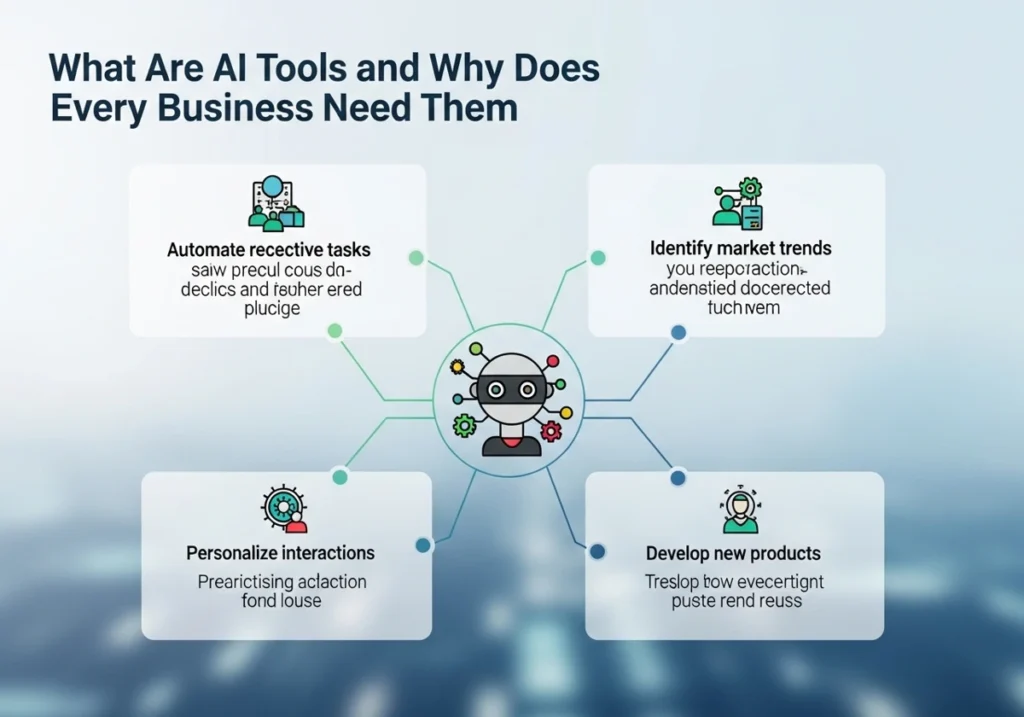
AI business tools can generate drafts, classify information or assist with connected workflows. They still need clear inputs, permissions and review. Before uploading customer records, contracts or internal documents, check the provider’s data-use policy, retention controls and business-plan terms. Start with synthetic or redacted sample data.
1. Drafting: ChatGPT, Gemini and Claude
ChatGPT, Gemini and Claude are candidates for drafting emails, outlining proposals and summarizing material you provide. Give the assistant the audience, source facts, desired format and words to avoid. Ask it to mark missing information instead of inventing prices, delivery dates or company policies. For example, a service business can prepare an email reply using an approved service description and a confirmed appointment window. Ask for a short draft that includes only those facts. The owner then checks the name, date and commitment before sending. Keep reusable source facts in a brief so the assistant does not have to guess. When a customer asks for something outside policy, route the question to a person rather than letting a generated reply decide.
Compare the same task in two assistants. Score factual errors, editing time, document handling and the controls included in the plan you would actually buy. An assistant that fits your existing office workflow may be more useful than one with a higher score on an unrelated benchmark.
2. Discovery: Use GoseBoze as a Directory
GoseBoze is an AI tools directory for discovering products, not an all-in-one writing or automation application. Its listings can help you build a shortlist, but the linked vendor supplies the actual service. Check that vendor’s current feature list, prices and privacy terms before registering.
For directory browsing, note three candidates and compare their actual limits: export formats, seat costs, integrations and support. A listing does not prove reliability or test results. Keep the discovery stage separate from the decision to give a vendor access to business data.
Related guide: How to use the GoseBoze AI tools directory
3. Workflow Automation: Evaluate Zapier and Make
Zapier and Make are workflow automation platforms worth evaluating when work moves repeatedly between supported apps. Droven.io presents itself as an AI information site; this guide does not recommend it as an automation product. Check whether your required app, trigger and action are supported before planning a workflow.
Source: Zapier workflow automation guide
Example pilot: a new inquiry enters a spreadsheet, creates a draft response and notifies the responsible person. Keep the response in a review queue before sending. Test missing fields, duplicate submissions and failed connections. Add an owner, error notification and a way to stop the workflow before using real customer data. Build the first workflow with sample records. Test an empty email field, a repeated inquiry and a disconnected app. Decide whether each failure should stop the run, notify someone or wait for correction. If a workflow creates a record twice, fix that behavior before allowing it to send messages. Write down where the source record lives and how staff can recover manually when the automation is unavailable.
4. Agentic Workflows: Keep Actions Bounded

Agentic workflows can choose steps and use connected tools within permissions you grant. Suitable pilots include collecting public research or preparing a draft report. Sending messages, changing records or making purchases requires stricter approval gates. Limit the available tools and keep an activity log.
An agent is not a dependable substitute for an employee across all tasks. Test whether it can recover from a failed tool call, avoid duplicate actions and hand off uncertain decisions. If a simple rule-based automation solves the job, the extra variability of an agent may be unnecessary. For a research agent, define the allowed websites, desired sources and final report format. Ask it to preserve source links and flag facts it cannot confirm. Test misleading pages and instructions embedded in retrieved material. Review the report before it affects a business decision. Tool permissions should match the job; collecting public sources should not require broad access to email or customer databases.
5. Video Creation: Match the Tool to the Format

AI video tools serve different jobs. Synthesia and HeyGen focus on presenter or avatar workflows, while Runway is a candidate for generated visual clips. Decide whether you need a training presentation, a product recording or a creative background clip before comparing tools.
Review generated video for incorrect product details, captions, pronunciation and visual artifacts. Check avatar or voice consent, export limits, watermarks and commercial terms. A screen recording may explain a real software workflow more accurately than a generated scene. Budget for editing and approval as well as generation. A practical video pilot is a short explanation of one familiar process. Provide a verified script, then check pronunciation, subtitles and any on-screen product details. Compare the finished clip with a simple recording or slide presentation. Measure the time needed for revisions and exports. If the clip uses a person’s likeness or voice, confirm the necessary permission rather than assuming a generation feature grants it.
6. AI Music: Check the License Before Publishing
AI music tools such as Suno can create audio drafts, but AI-generated music is not automatically royalty-free or cleared for every advertisement. Check the current plan and output-license conditions, including any creation or download requirements. Keep a record of the applicable terms. For commercial projects, avoid assumptions about exclusive rights.
Source: Suno plans and current license terms
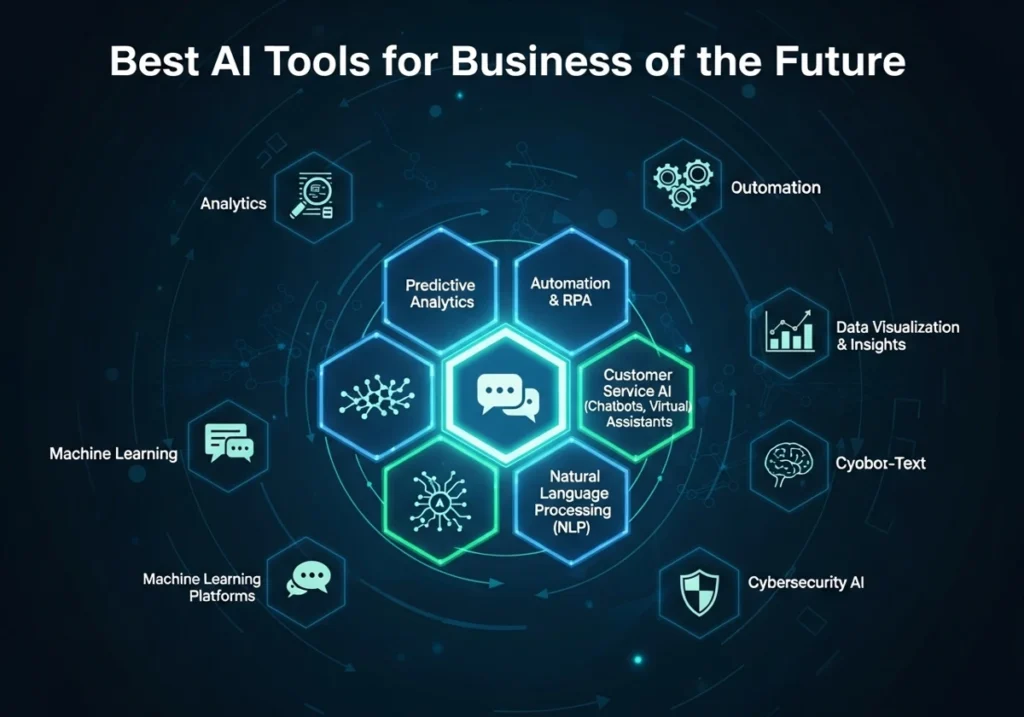
Quick comparison checklist: Drafting — check facts, editing time and data controls. Directory browsing — verify the actual vendor. Automation — check supported triggers, retry behavior and task costs. Agents — require logs and approval gates. Video — check consent, output quality and export limits. Music — verify current commercial-license conditions. Choose the category that addresses your existing bottleneck.
How to Choose the Best AI Tools for Business

Choose by bottleneck: drafting for communication, workflow automation for repeated app-to-app steps, and specialist media tools for a defined content format. Do not buy six subscriptions at once. For each candidate, identify what it must do, what a human must approve and what would make you stop the trial.
Compare the complete bill: subscription seats, usage limits, automation tasks, media credits and setup time. Availability of a free plan or trial varies. Check the live pricing page and cancellation terms before paying. A free tier is useful for evaluation only if its limits resemble your real workload.
A Seven-Day Pilot for a Small Business

Small businesses can benefit when a tool reduces repetitive administration without creating extra review work. A solo owner might use a drafting assistant for routine replies while keeping customer commitments and financial decisions under personal review. Start with a narrow task that can be checked easily.
Run a seven-day pilot using representative, non-sensitive tasks. Record minutes spent manually, minutes using the tool including corrections, failures and the estimated monthly cost. Keep the tool only if the improvement survives this comparison. These are suggested evaluation steps, not a claim that this site tested every product. A useful pilot log has one row per task: the task name, manual duration, AI-assisted duration including editing, errors found and whether the result was accepted. At the end of the week, review the failures as well as the average. One impressive result should not outweigh repeated mistakes on routine work. Choose an owner for ongoing checks and a date to reassess the subscription.
Mistakes That Make AI Tools Waste Time
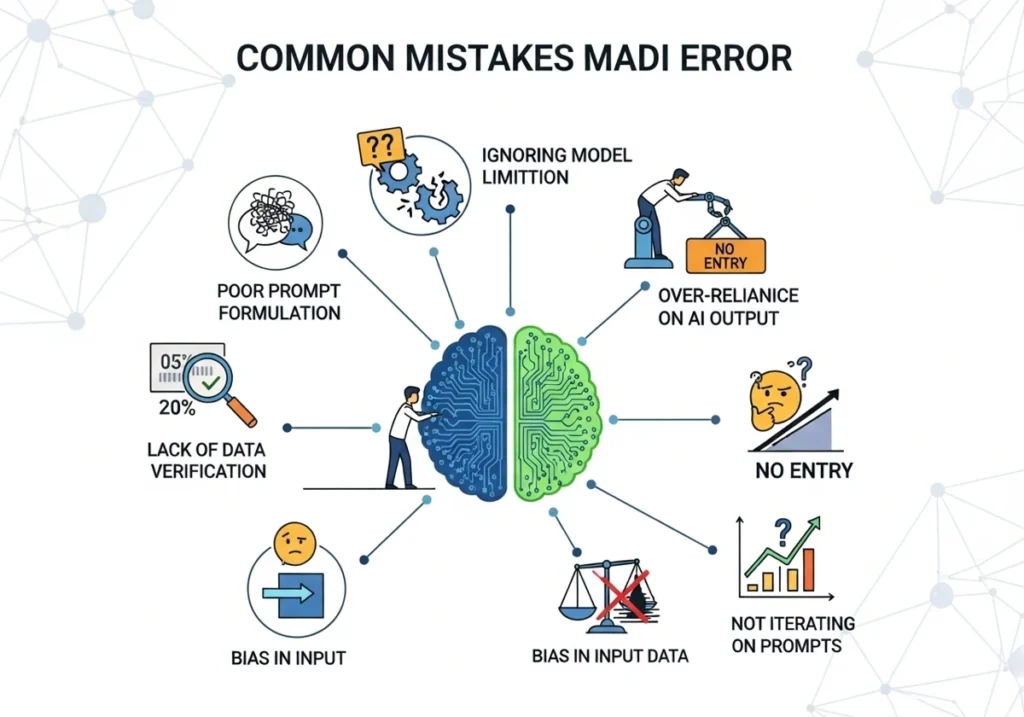
Common mistakes include uploading sensitive data without approval, trusting generated facts, connecting more apps than necessary and ignoring failed runs. Poor output can come from model limitations as well as unclear instructions. Improve the input once, then compare the corrected result with the manual alternative. Stop if review costs outweigh the benefit.
Keep a Manual Fallback and Review Changes
Features and pricing change frequently. Review important workflows whenever a provider changes its model, integration or terms. Keep an exportable copy of business records and a manual fallback. Future promises should not be the reason to buy a tool that does not meet today’s requirements. Before leaving a provider, check whether prompts, files, workflow definitions and business records can be exported in a usable format. Store essential policy documents and source facts independently of the assistant. Remove unneeded connections through the provider’s normal account controls. A clear exit plan helps avoid depending on a tool that becomes too expensive or no longer meets the workflow.
Final Recommendation
Start with one workflow and one measurable goal. Drafting assistants, automation platforms and media generators can help with specific work, while directories help discover candidates. Verify current terms, test representative tasks and retain human approval for consequential actions. Expand only after the pilot shows a clear benefit.
Read More: Best AI Voice Agent for Small Business
Frequently Asked Questions
What are the best AI tools for business in 2026?
There is no universal winner. Evaluate a drafting assistant, a workflow platform or a specialist media tool against one defined task. This guide compares six workflows and does not claim a tested product ranking.
How can AI tools help small businesses?
They can assist with drafts and repetitive steps, but savings depend on setup, error rates and review time. Test a small workflow before expanding it.
Are AI tools expensive for startups?
Costs vary by seats, usage, automation tasks and media credits. Check the current pricing page and measure the complete monthly cost before subscribing.
What is Agentic AI and why is it important for businesses?
Agentic AI can plan steps and use connected tools within its permissions. Keep consequential actions behind approval gates and test failures before using it with live records.
Which AI tool is best for content creation?
ChatGPT, Gemini and Claude are candidates for text drafting. For video, compare presenter tools such as Synthesia or HeyGen with visual-generation tools such as Runway, based on the format you need.
Can AI tools replace employees?
They can assist with selected tasks. They do not remove the need for responsibility, customer judgment, factual checks or human approval.
What do workflow automation platforms do?
Zapier and Make connect supported app triggers and actions. Droven.io is an AI information site and is not recommended here as a verified workflow automation product.
How do I choose the right AI tool for my business?
Define one bottleneck, use representative non-sensitive tasks, record review time and failures, and compare the total cost with doing the work manually.
Are AI-generated videos and music safe for commercial use?
Do not assume commercial permission. Check the provider’s current plan and output-license conditions, obtain required voice or avatar consent, and keep the terms that applied to your project.
What mistakes should businesses avoid when using AI tools?
Avoid sharing sensitive data without approval, trusting invented facts, overlooking usage charges and letting automated actions run without logs or a stop mechanism.
How can a small business measure whether AI helps?
A small team may reduce repetitive work with a carefully chosen tool. Benefits are not guaranteed; a short pilot should show whether corrections and setup outweigh the savings.
What is the future of AI tools in business?
Features will continue changing, but forecasts are not a purchasing guarantee. Select tools for current requirements, review material updates and keep a manual fallback.

1 Comment
Pingback: Top Innovative AI Inference Vendors to Watch in 2026