

Updated October 9, 2026. The best laptop for video editing depends on your editor, footage and budget. Choose the operating system your software supports, enough memory for your projects, a fast SSD and hardware decoding for your camera format. The five laptop families below are a specifications-based shortlist, not an independently benchmarked ranking.
Whether you create YouTube content, tutorial videos, client work, or short-form posts in TikTok Studio, the right machine can save time and make the whole process feel much more manageable. It also helps when you start exploring better workflows, useful video editing tips, the best video editing apps, and even free AI video editing tools that speed up repetitive tasks without hurting quality.
Start with your current bottleneck: playback, effects, export time or storage. Check the exact laptop configuration against your editor’s requirements, then compare sustained performance with footage similar to your own. A model name alone is not enough to predict editing speed.
What Really Makes a Laptop Good for Video Editing
For the best laptop for video editing, prioritize the work you actually do. A short H.264 social clip, a multicamera 4K timeline and a RAW color-grading project have different demands. Test a representative project when possible before committing to a costly upgrade.
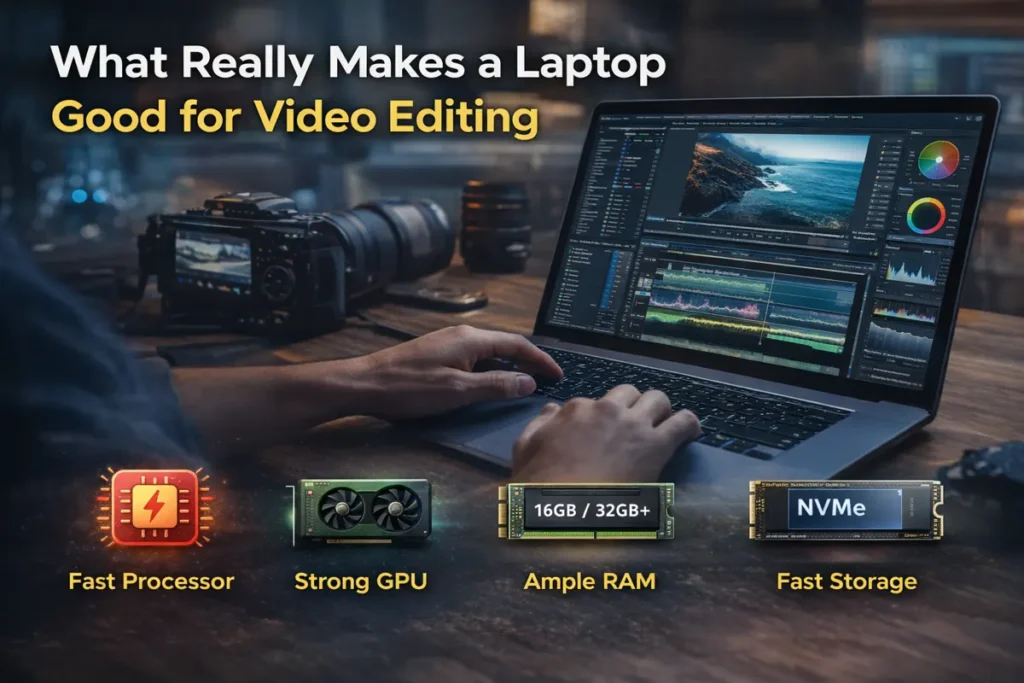
For most editors, four things matter the most. First is the processor, because it affects overall speed and export time. Second is the GPU, which helps with effects, playback, color work, and many modern editing features. Third is RAM, because low memory causes lag the moment your timeline gets heavier. Fourth is storage, because editing on a slow drive can ruin a good system.
Adobe’s current Premiere Pro guidance still makes the practical target very clear. For HD work, 16GB can be enough, but for 4K and above, 32GB or more is the safer recommendation, along with a fast SSD and a capable GPU.
Adobe Premiere: current hardware and operating-system requirements
Short HD edits may run comfortably on a modest configuration. Effects-heavy work, multicamera footage and higher-resolution projects can demand more memory, GPU capacity and cooling. Proxies can help playback but do not eliminate all export or effects bottlenecks.
What to Look for Before You Buy

In simple words, try to buy a machine with a modern strong CPU, a useful GPU, at least 16GB RAM for lighter work, and ideally 32GB if you want room to grow. A fast internal SSD matters more than many beginners think, because your cache, previews, and media all depend on it.
Screen quality matters for judging color and exposure. Check color-space coverage, calibration options and brightness for your delivery requirements. An OLED or high-resolution label alone does not guarantee an accurately calibrated display.
Cooling matters too. Some laptops look great in spec lists but slow down after longer editing sessions because of heat. A laptop that stays stable for one hour of work is more useful than one that looks amazing only for five minutes.
Best Laptops for Video Editing in 2026

These five families cover different operating systems and workflows. Compare the exact generation, processor, GPU, memory and display being sold in your region. We have not conducted a controlled performance or battery-life comparison of these laptops.
MacBook Pro: A macOS Editing Option
Apple offers MacBook Pro configurations with M5, M5 Pro and M5 Max chips. Consider the line if you need macOS or Final Cut Pro. Confirm your editor, camera codecs, plug-ins and external devices work with the configuration you choose.
Apple silicon includes integrated graphics and media engines; a separate GPU is not a universal requirement for editing. Memory is shared across workloads, so choose capacity for the whole project rather than comparing unified memory and dedicated VRAM as if they were identical.
The base M5 can be a candidate for lighter projects. M5 Pro or M5 Max configurations offer different CPU, GPU and memory options for heavier work, but the more expensive chip is worthwhile only when your workflow can use it. Check the exact media-engine and memory specifications.
ASUS ProArt P16: Creator-Focused Windows Configurations
If you prefer Windows and want something built more directly for content creation, the ASUS ProArt P16 is one of the strongest options in the current market. ASUS is openly positioning it for creators with fast encoding, real-time effects, and a color-accurate OLED display.
What makes it attractive is that it does not feel like a random gaming laptop being forced into creative work. This is a creator-first machine. That means the display, performance profile, and overall design make more sense for people who actually spend hours editing.
Dell XPS 16: Check the Exact Generation
The Dell XPS 16 name covers different generations and hardware configurations. Check the exact CPU, graphics option, memory and ports on the product page being sold to you. Do not assume that an older review or an XPS family name describes the 2026 configuration.
This is a good choice for editors who want a machine that looks professional, travels well, and still has enough power for real work. This sits in that space where business design meets creator performance.
Compare the XPS configuration with a creator laptop at the same local price. If your editor relies heavily on GPU effects, verify the graphics hardware and supported acceleration before making appearance the deciding factor.
ASUS ROG Zephyrus G16: Consider the GPU Configuration
Some people still ignore gaming laptops for editing, but that is often a mistake. A well-balanced gaming laptop can be a very strong video editing laptop because it usually gives you strong CPU and GPU performance for the money.
The ROG Zephyrus G16 remains a smart choice for editors who want serious power without jumping straight to the most expensive creator machines. It is especially useful if you work in Premiere Pro, handle effects-heavy edits, or want stronger rendering performance at a better value point.
It may not look as creator-focused as the ProArt line, but for raw editing performance, it still deserves attention.
Surface Laptop 7th Edition: Check Windows on Arm Support
Surface Laptop 7th Edition configurations use Snapdragon processors and Windows on Arm. This can suit a portable workflow, but software compatibility must be checked against the exact app version, plug-ins and connected hardware. It should not be treated as the newest Surface generation simply because it remains on sale.
This is not my first choice for heavy professional editing all day long. But it can still be a very nice fit for lighter editing, script-based content, educational clips, simple short-form work, social posts, and travel-friendly workflows.
Check native Arm support, supported codecs and drivers for your workflow. Adobe now documents Premiere support for Snapdragon X-series Windows devices, but that does not mean every older app, extension or peripheral will work identically. Test before buying.
Microsoft: compatibility guidance for Arm-based Surface devices
Which One Should You Choose?
| Laptop family | Consider for | Check before buying |
|---|---|---|
| MacBook Pro M5 / Pro / Max | macOS and compatible editing workflows | Memory, media engines, plug-ins and ports |
| ASUS ProArt P16 | Creator-focused Windows configurations | Exact GPU, display calibration and sustained performance |
| Dell XPS 16 | A premium Windows configuration | Generation, graphics hardware and supported acceleration |
| ROG Zephyrus G16 | GPU-oriented editing and effects | GPU configuration, cooling, noise and local price |
| Surface Laptop 7th Edition | Portable Windows on Arm workflow | App version, plug-ins, drivers and camera codecs |
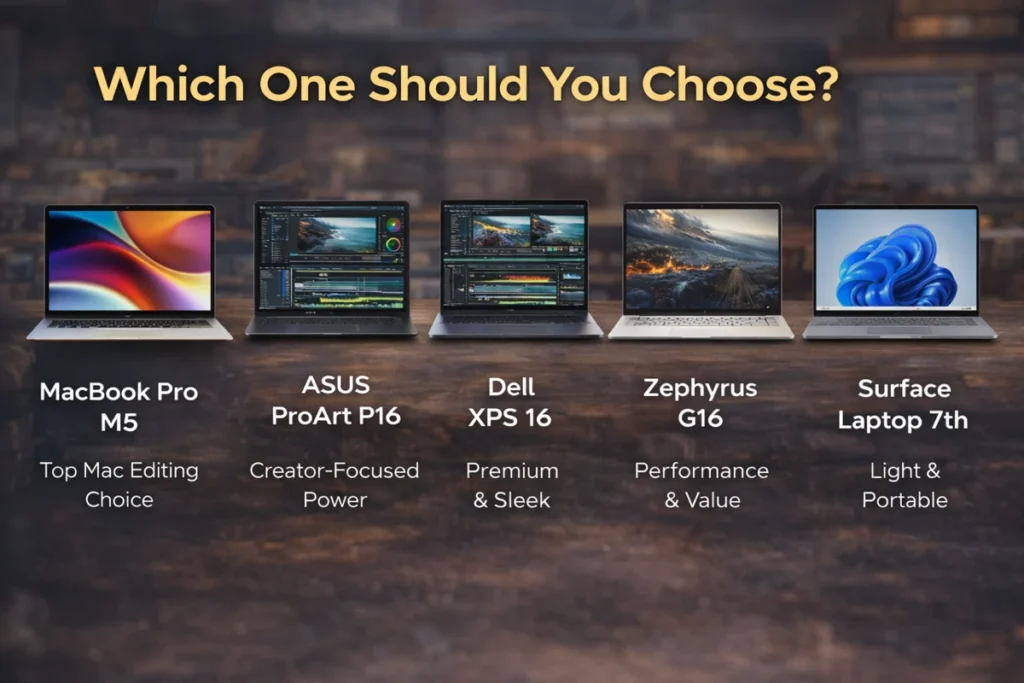
Use the shortlist as a starting point: MacBook Pro for a macOS workflow, ProArt P16 for creator-focused Windows configurations, XPS 16 for a configuration you have checked carefully, Zephyrus G16 for GPU-oriented work, and Surface Laptop 7th Edition for a verified Windows on Arm workflow. Local price, return terms and your actual project should decide the final purchase.
Best Video Editing Apps in 2026
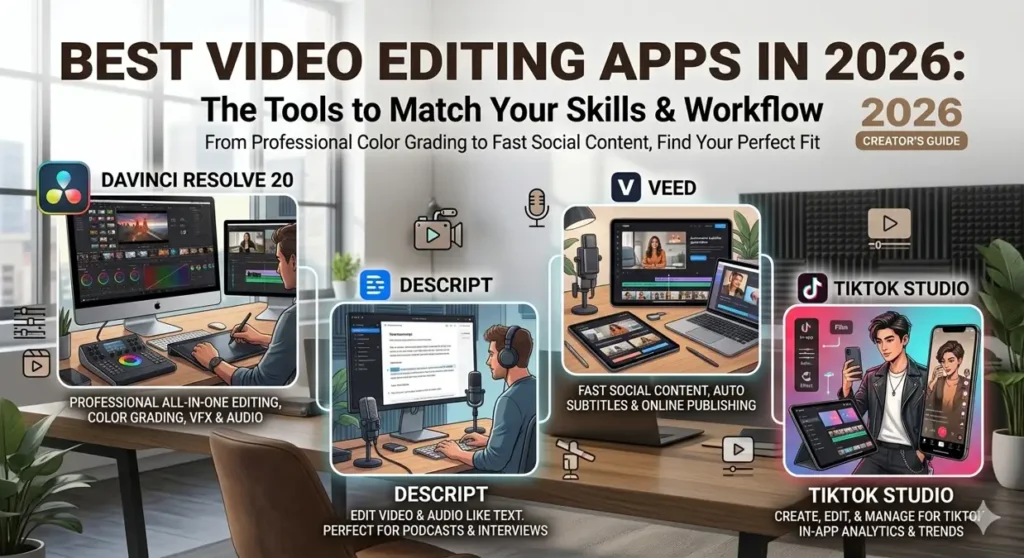
The laptop matters, but the software matters too. A good machine with the wrong app can still feel slow and messy. The good news is that the best video editing apps now cover different kinds of users, so you do not need to force yourself into the most complicated option from day one.
DaVinci Resolve combines editing, color, effects and audio tools, with free and paid editions. Check the current version’s requirements and the features your project needs. Hardware acceleration and codec support can differ by operating system, hardware and edition.
Descript video editing is a great option if your work is based around spoken content. Descript officially centers its workflow around editing video and audio like text, which makes it especially useful for podcasts, interviews, talking-head videos, and educational content.
VEED is very useful when your focus is fast social content. VEED’s official tools strongly emphasize subtitles, online editing, easy publishing, and quick content creation for modern creators. That makes it practical for short videos, quick captions, product clips, and fast repurposing.
TikTok Studio is also worth mentioning because TikTok itself positions it as a tool for creating, editing, managing, and analyzing creator content. If you make content mainly for TikTok, this belongs in your workflow.
Free AI Video Editing Tools That Actually Help
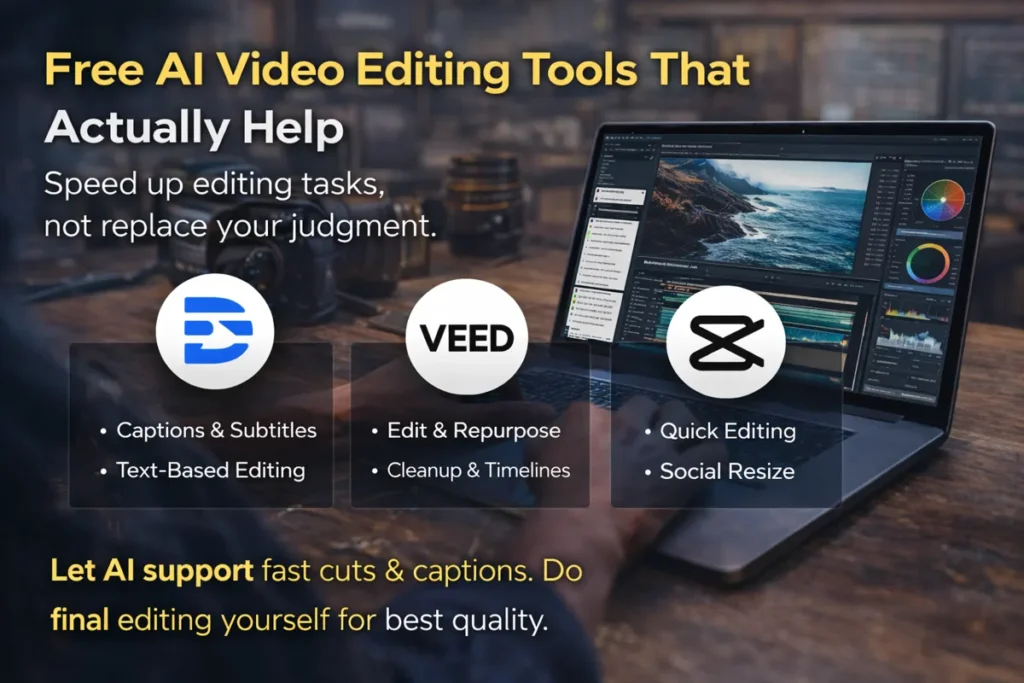
A lot of people search for free AI video editing tools because they want faster work, not because they want lazy work. That is the right mindset. AI tools are best when they remove repetitive tasks, not when they replace your judgment.
Captioning and text-based editing may save time, but free plans can restrict exports, resolution, watermark removal or AI credits. Check the current plan limits and avoid uploading confidential client footage to an online service without authorization.
But the best results still come from using AI as support. Let it help with subtitles, rough cuts, and cleanup. Then do the final pass yourself. That is where quality still comes from.
Video Editing Tips That Save Real Time
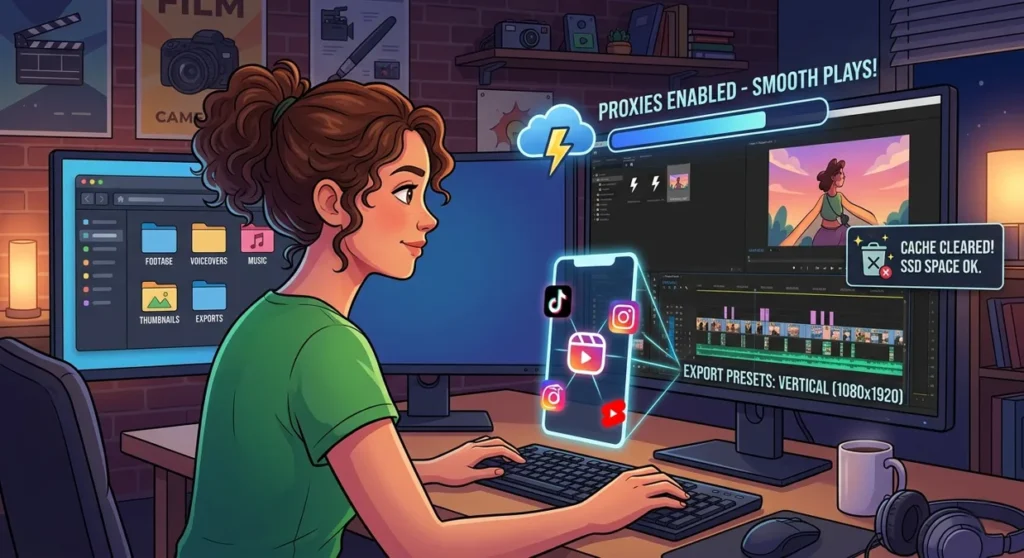
Most beginners think editing speed only comes from buying a faster laptop. That helps, but your workflow matters just as much.
The first big tip is simple. Organize your files before you edit. Put footage, voiceovers, music, thumbnails, and exports into separate folders before the project starts. It sounds small, but it saves a surprising amount of time later.
The second tip is to use proxy files for heavy footage. If your timeline starts choking on 4K clips, proxies can make your edit feel much lighter while keeping final export quality high.
The third tip is to keep your cache under control. Editing apps build up temporary files over time, and those files can quietly slow things down. Clearing old cache and keeping enough free SSD space helps more than people expect.
Set the project frame size, frame rate and export preset for the destination before editing. Check the platform’s current video requirements, then preview the exported file for unwanted cropping, unreadable captions and audio problems. Photo upload dimensions do not define video export settings.
Can You Use This Setup for Video Editing Jobs?
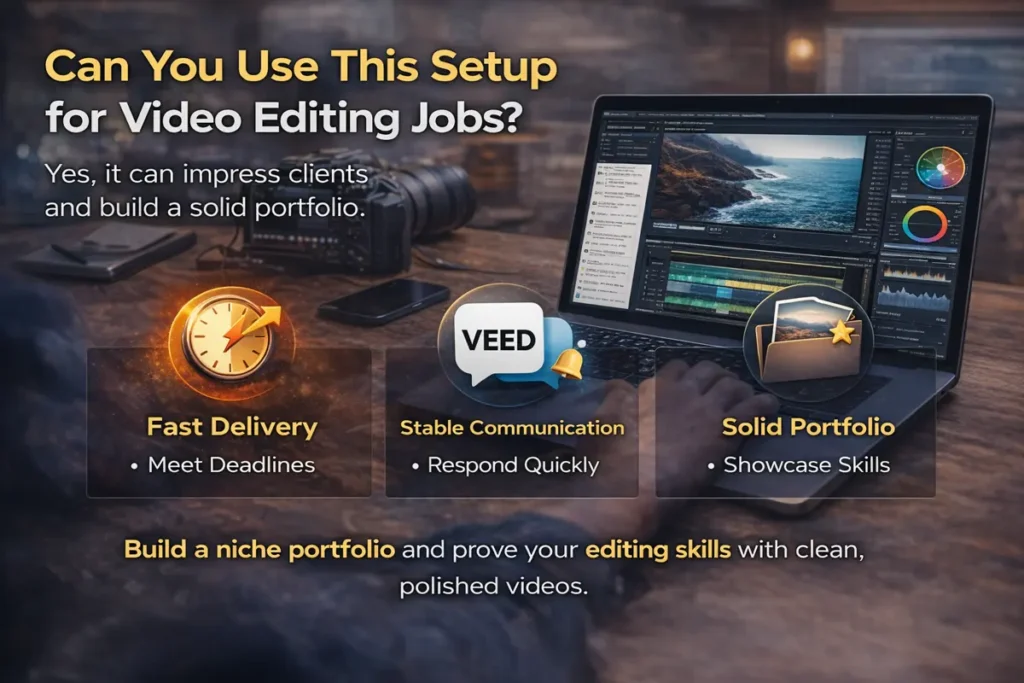
Yes, and this matters more now than ever. Many people are not just searching for the best laptops for video editing because they want a hobby machine. They want a work machine.
For remote editing work, confirm that you can deliver the client’s required format, software version and deadlines. Your laptop must also support reliable backups and secure handling of client files. A purchase does not guarantee paid work.
If you want to get paid, start by building a small portfolio around one niche. That could be podcast edits, tutorial videos, YouTube talking-head edits, product reels, or TikTok clips. Keep it clear. Clients trust specialists faster than generalists.
You do not need a giant portfolio in the beginning. You need proof that you can take raw footage and turn it into a clean final result without wasting time.
Is a Laptop Better Than the Best Computer for Video Editing?
This depends on how you work. If you stay in one place and want the best computer for video editing overall, a desktop usually gives you more raw performance and easier upgrades.
But for many creators in 2026, portability is part of the job. They edit from home, co-working spaces, client offices, cafés, or while traveling. In that case, a strong laptop is often the smarter choice because it lets you keep your whole workflow with you.
That is why the best laptop for video editing is not just about specs. It is about how you actually live and work.
Final Thoughts
Choose a laptop only after checking your software, footage format, memory needs and exact hardware configuration. There is no universally safest model or guaranteed best value. Compare a representative timeline and export, and use a return window if a workflow cannot be tested in advance.
One thing matters just as much as the laptop itself, and that is your process. A strong machine will definitely help, but the real difference comes from how you work. Using the right app, keeping your files organized, learning useful video editing tips, and following a workflow you can repeat every week will save more time than most people expect. That is what makes editing faster, improves the final result, and gives you a much better chance of standing out.
Read More: how to rank YouTube videos
Frequently Asked Questions
What is the best laptop for video editing in 2026?
There is no single best laptop for every editor. Match the exact hardware configuration to your editor, camera footage, plug-ins, project size and budget. This five-family shortlist is based on specifications and workflow fit; we have not independently benchmarked all five.
Is 16GB RAM enough for video editing?
Yes, 16GB can be enough for lighter editing, HD projects, short social videos, and beginner workflows. But if you plan to edit 4K video, use effects heavily, or work on bigger timelines, 32GB is the safer option. Adobe’s current guidance for Premiere Pro also points to 16GB for HD media and 32GB or more for 4K and higher.
Do I need a dedicated GPU for video editing?
A dedicated GPU is very helpful for smoother playback, faster rendering, effects, color work, and modern AI-powered editing features. It becomes even more important when you move into 4K editing or more demanding software.
Are gaming laptops good for video editing?
Yes, many gaming laptops are very good for video editing because they usually offer strong CPU and GPU performance. A model like the Zephyrus G16 can be a smart choice if you want strong value and editing power in one machine.
Is a MacBook better than a Windows laptop for video editing?
That depends on your workflow. MacBooks are known for strong battery life, stability, and smooth optimization, while Windows laptops give you more variety in design, pricing, and hardware choices. Both can work very well if you choose the right model.
Which Windows laptop is best for creators?
The ASUS ProArt P16 is one of the strongest Windows choices for creators who want a machine built more directly around editing, design, and color-focused work.
Can I use a video editing laptop for remote video editing jobs?
Yes. A good video editing laptop can absolutely be used for remote client work. What matters most is fast delivery, stable communication, and a clean portfolio that shows your editing quality clearly.
What is better for editing, a laptop or a desktop?
A desktop usually gives you more raw power and easier upgrades. But a laptop is often the smarter choice if portability is part of your work and you edit from different places.
