
The wrong laptop can make video editing harder than it really is. Even a simple video can become stressful when your laptop is slow. The video does not run smoothly, and saving the final file takes too much time. In 2026, choosing the right video editing laptop is not just about buying better. It is about making your workflow faster, smoother, and easier every single day.
Whether you create YouTube content, tutorial videos, client work, or short-form posts in TikTok Studio, the right machine can save time and make the whole process feel much more manageable. It also helps when you start exploring better workflows, useful video editing tips, the best video editing apps, and even free AI video editing tools that speed up repetitive tasks without hurting quality.
They throw around big specs and long charts, but they do not explain what actually helps in real editing work. They need a laptop that fits their type of editing and helps them work faster without constant slowdowns. You will learn what to look for in a video editing laptop, which current models are worth looking at, which tools actually help, and how to build a workflow that feels easy even if you are still learning.
What Really Makes a Laptop Good for Video Editing
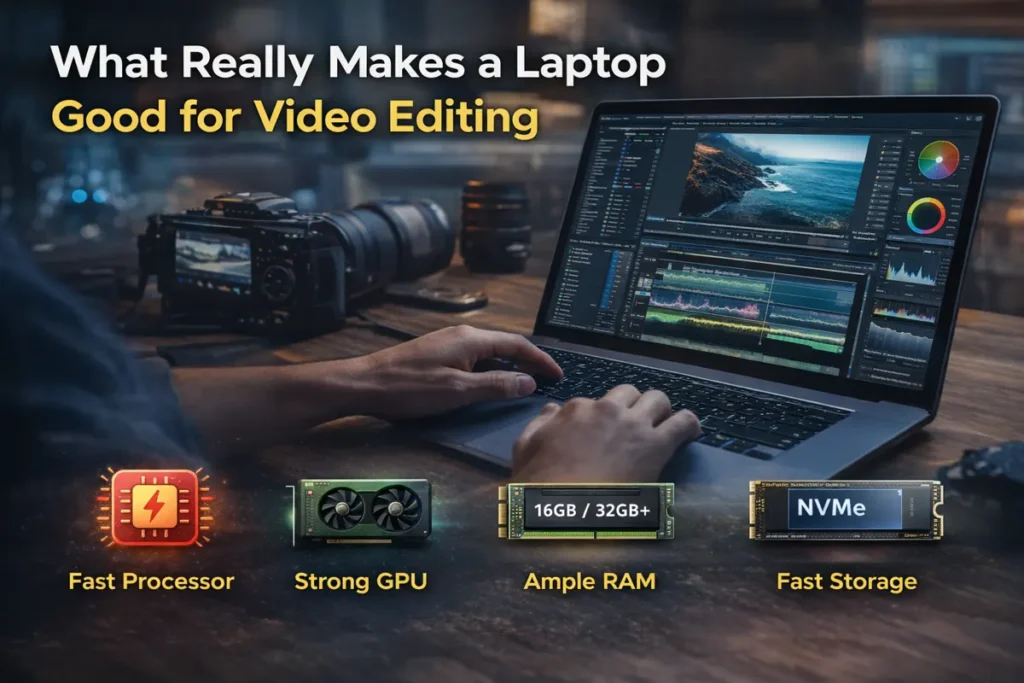
The best laptop for video editing is not always the one with the most aggressive marketing. It is the one that handles your real work smoothly. That means timeline playback stays clean, exports stay fast, and the system does not heat up and slow down after twenty minutes.
For most editors, four things matter the most. First is the processor, because it affects overall speed and export time. Second is the GPU, which helps with effects, playback, color work, and many modern editing features. Third is RAM, because low memory causes lag the moment your timeline gets heavier. Fourth is storage, because editing on a slow drive can ruin a good system.
Adobe’s current Premiere Pro guidance still makes the practical target very clear. For HD work, 16GB can be enough, but for 4K and above, 32GB or more is the safer recommendation, along with a fast SSD and a capable GPU.
That means if you mostly edit short social clips, reels, and basic talking-head content, you do not always need a monster laptop. But you work in DaVinci Resolve, use effects heavily, cut multicam footage, or edit long-form 4K projects, the wrong laptop will hold you back every day.
What to Look for Before You Buy

In simple words, try to buy a machine with a modern strong CPU, a useful GPU, at least 16GB RAM for lighter work, and ideally 32GB if you want room to grow. A fast internal SSD matters more than many beginners think, because your cache, previews, and media all depend on it.
Screen quality also matters. The display is weak, your colors may look fine on your laptop but wrong everywhere else. That is one reason creator-focused laptops are often better than general office laptops, even when both look powerful on paper.
Cooling matters too. Some laptops look great in spec lists but slow down after longer editing sessions because of heat. A laptop that stays stable for one hour of work is more useful than one that looks amazing only for five minutes.
Best Laptops for Video Editing in 2026

Below are the models that make the most sense right now if your goal is smooth editing, better workflow, and less waiting. This list is based on the current official product lines and creator-focused positioning, not outdated models.
1) MacBook Pro (M5 / M5 Pro / M5 Max) Best Overall for Serious Editors
You want the safest all-round choice in 2026, the MacBook Pro line is the easiest answer. Apple’s current lineup now includes M5, M5 Pro, and M5 Max models, and the MacBook Pro page is clearly positioning them for high-end creative and AI-enabled workflows.
For video editors, the big advantage is balance. You get strong performance, very good battery life, high-quality display options, and a workflow that feels clean in apps like DaVinci Resolve, Premiere Pro, and Final Cut Pro. If you edit professionally or you want a laptop that can stay useful for years, this is hard to beat.
The base M5 model can work for lighter editors. But How you plan is heavy 4K work, long-form YouTube editing, color grading, or serious client projects, the M5 Pro or M5 Max makes more sense.
2) ASUS ProArt P16 Best Windows Laptop for Creators
If you prefer Windows and want something built more directly for content creation, the ASUS ProArt P16 is one of the strongest options in the current market. ASUS is openly positioning it for creators with fast encoding, real-time effects, and a color-accurate OLED display.
What makes it attractive is that it does not feel like a random gaming laptop being forced into creative work. This is a creator-first machine. That means the display, performance profile, and overall design make more sense for people who actually spend hours editing.
3) Dell XPS 16 Best Premium Windows Option for Clean Design
Dell’s current XPS focus is now on the XPS 14 and XPS 16 line, not the old XPS 17 direction many older articles still mention. The XPS 16 gives you a large display, premium build, and options that can suit serious editing work.
This is a good choice for editors who want a machine that looks professional, travels well, and still has enough power for real work. This sits in that space where business design meets creator performance.
If you like a cleaner premium laptop style and do not want a gamer look on your desk, the XPS 16 is a more current and safer pick than recycling old XPS 17 recommendations.
4) ASUS ROG Zephyrus G16 Best Value for Power Users
Some people still ignore gaming laptops for editing, but that is often a mistake. A well-balanced gaming laptop can be a very strong video editing laptop because it usually gives you strong CPU and GPU performance for the money.
The ROG Zephyrus G16 remains a smart choice for editors who want serious power without jumping straight to the most expensive creator machines. It is especially useful if you work in Premiere Pro, handle effects-heavy edits, or want stronger rendering performance at a better value point.
It may not look as creator-focused as the ProArt line, but for raw editing performance, it still deserves attention.
5) Surface Laptop 7th Edition Best for Light Editing and Portable Work
Microsoft’s active Surface Laptop 7th Edition line is real and current, and it is being sold in 13.8-inch and 15-inch versions with strong portability and long battery life.
This is not my first choice for heavy professional editing all day long. But it can still be a very nice fit for lighter editing, script-based content, educational clips, simple short-form work, social posts, and travel-friendly workflows.
So In case you content is more about clean edits, talking videos, tutorials, captions, social media clips, and quick publishing rather than huge cinematic timelines, the Surface Laptop 7th Edition can still make sense.
Which One Should You Choose?
Quick Comparison of the Best Laptops for Video Editing in 2026
| Laptop | Best For | Main Strength | Possible Drawback |
|---|---|---|---|
| MacBook Pro M5 Pro / M5 Max | Serious editors and long-term use | Excellent performance, battery life, and reliability | Expensive |
| ASUS ProArt P16 | Creator-focused Windows users | Strong creator features, color-focused display, good editing workflow | Premium price |
| Dell XPS 16 | Professional work and editing | Sleek design, strong performance, premium feel | Can get costly for higher specs |
| Zephyrus G16 | Value and raw power | Strong performance for the money, good for heavy editing | Gaming-style design may not suit everyone |
| Surface Laptop 7th Edition | Light editing and portability | Easy to carry, clean design, great for daily use | Not ideal for heavy 4K or advanced effects work |
This table gives a quick overview, but the best choice still depends on your budget, editing style, and the type of projects you handle every week.
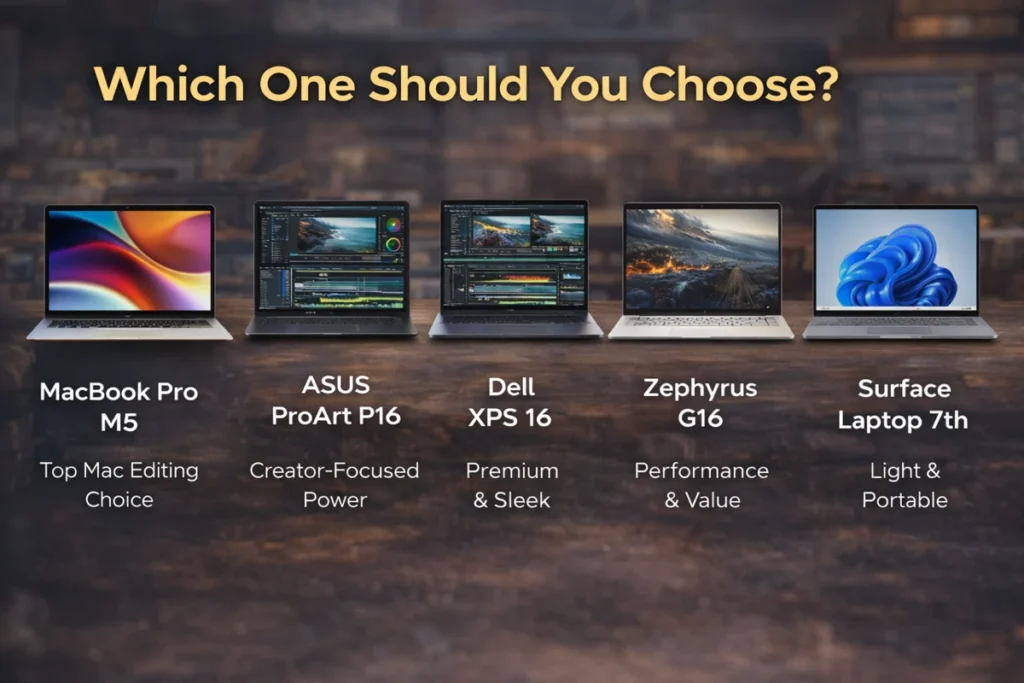
The right choice really comes down to your budget and the kind of work you do every day. If you want the safest long-term option and do serious editing, the MacBook Pro M5 Pro or M5 Max is hard to beat. Windows users who want a laptop built more for creators should pay attention to the ASUS ProArt P16. The Dell XPS 16 is a good match for people who want editing power in a sleek, premium design that also looks professional in daily use. Anyone looking for stronger value without giving up too much performance should consider the Zephyrus G16. For lighter editing, travel, and everyday portability, the Surface Laptop 7th Edition is the more sensible Microsoft option.
Best Video Editing Apps in 2026
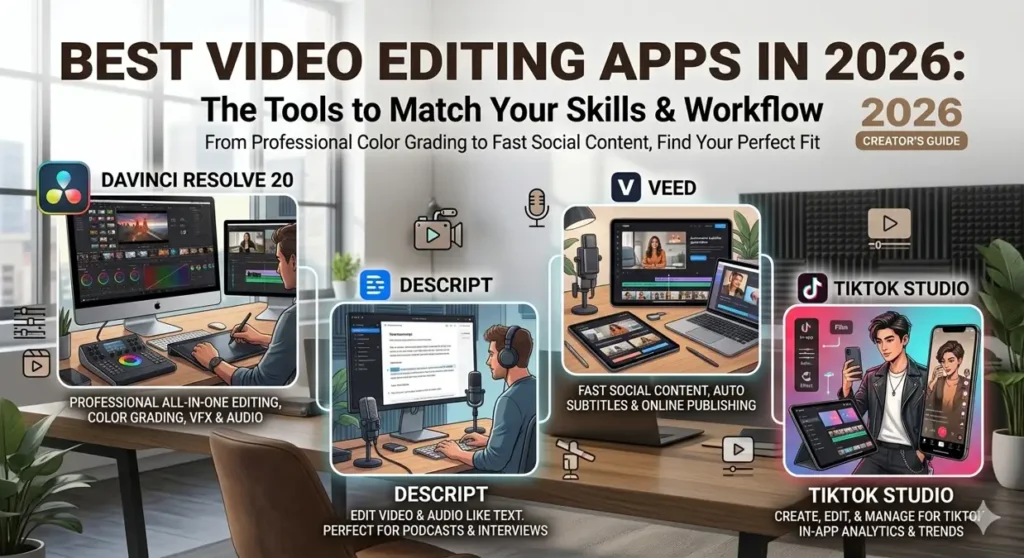
The laptop matters, but the software matters too. A good machine with the wrong app can still feel slow and messy. The good news is that the best video editing apps now cover different kinds of users, so you do not need to force yourself into the most complicated option from day one.
DaVinci Resolve is still one of the strongest choices In case you want serious editing, color grading, motion work, and audio in one place. Blackmagic currently positions DaVinci Resolve 20 as an all-in-one editing, color, VFX, motion graphics, and audio solution, with both free and paid versions available.
Descript video editing is a great option if your work is based around spoken content. Descript officially centers its workflow around editing video and audio like text, which makes it especially useful for podcasts, interviews, talking-head videos, and educational content.
VEED is very useful when your focus is fast social content. VEED’s official tools strongly emphasize subtitles, online editing, easy publishing, and quick content creation for modern creators. That makes it practical for short videos, quick captions, product clips, and fast repurposing.
TikTok Studio is also worth mentioning because TikTok itself positions it as a tool for creating, editing, managing, and analyzing creator content. If you make content mainly for TikTok, this belongs in your workflow.
Free AI Video Editing Tools That Actually Help
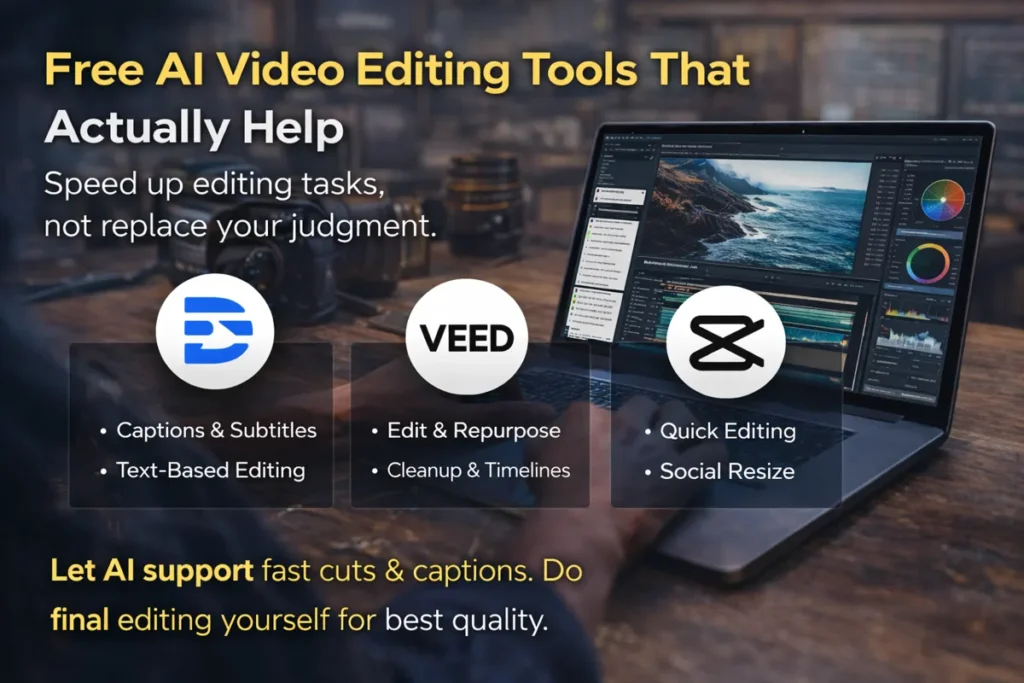
A lot of people search for free AI video editing tools because they want faster work, not because they want lazy work. That is the right mindset. AI tools are best when they remove repetitive tasks, not when they replace your judgment.
For example, tools like Descript and VEED can save time with captions, cleanup, text-based editing, and fast social repurposing. Those features are useful when you are handling repeated edits every week and you want to speed up your process.
But the best results still come from using AI as support. Let it help with subtitles, rough cuts, and cleanup. Then do the final pass yourself. That is where quality still comes from.
Video Editing Tips That Save Real Time
Most beginners think editing speed only comes from buying a faster laptop. That helps, but your workflow matters just as much.
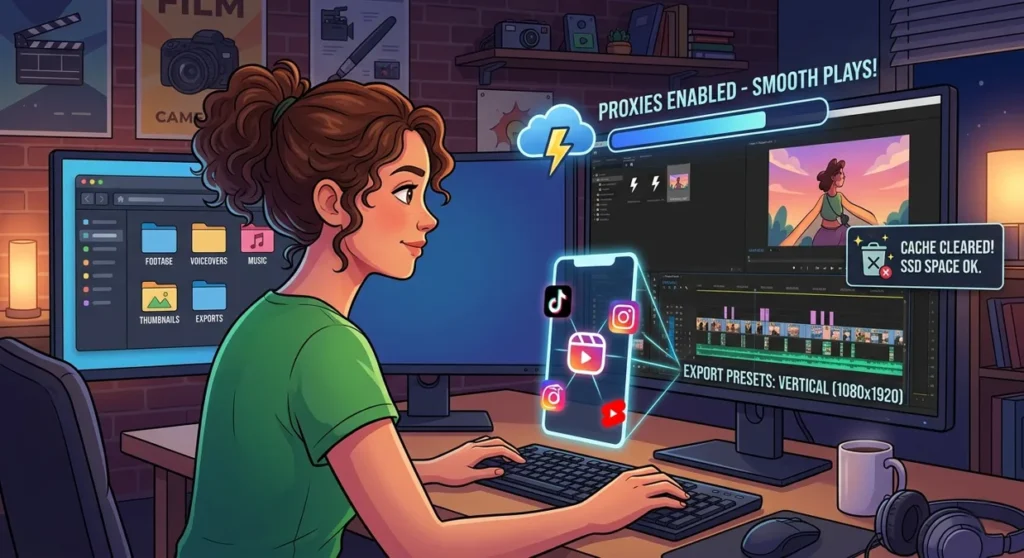
The first big tip is simple. Organize your files before you edit. Put footage, voiceovers, music, thumbnails, and exports into separate folders before the project starts. It sounds small, but it saves a surprising amount of time later.
The second tip is to use proxy files for heavy footage. If your timeline starts choking on 4K clips, proxies can make your edit feel much lighter while keeping final export quality high.
The third tip is to keep your cache under control. Editing apps build up temporary files over time, and those files can quietly slow things down. Clearing old cache and keeping enough free SSD space helps more than people expect.
The fourth tip is to match your editing to your platform. When you are making content for Instagram, TikTok, or Shorts, frame size and export settings matter. Instagram says shared photos should be at least 1080 pixels wide and support aspect ratios between 1.91:1 and 3:4, while Reels have their own format rules too. That means knowing your platform before editing can prevent ugly crops and wasted re-exports.
Can You Use This Setup for Video Editing Jobs?
Yes, and this matters more now than ever. Many people are not just searching for the best laptops for video editing because they want a hobby machine. They want a work machine.
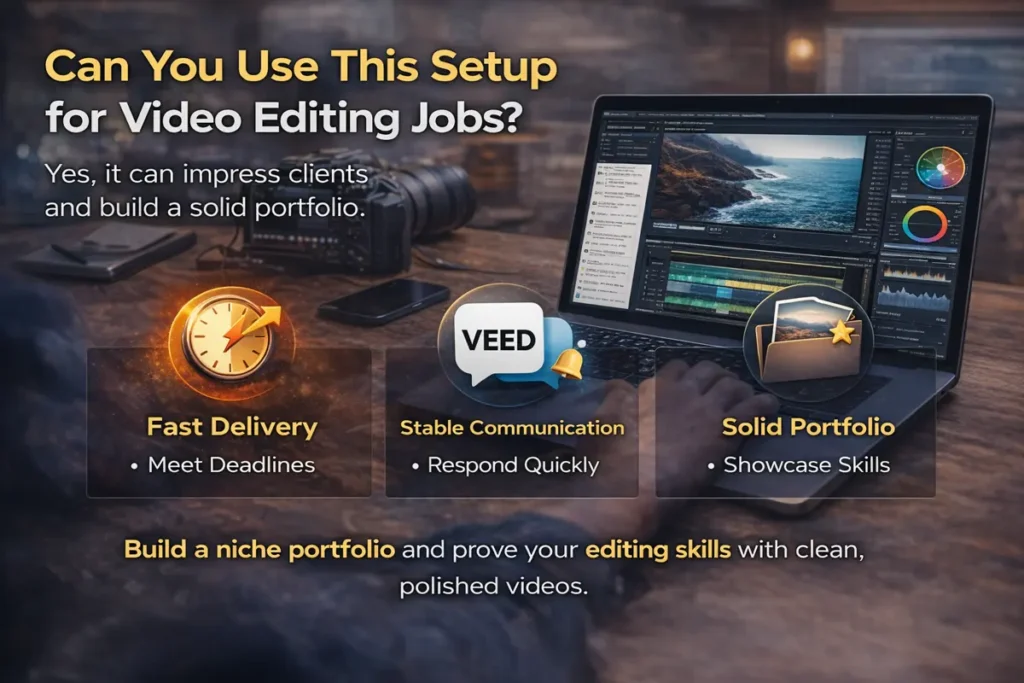
Whenever you goal is video editing jobs or remote video editing jobs, clients usually care about three things. They want fast delivery, stable communication, and a portfolio that looks clean and reliable. A good laptop helps with the first one because it reduces delays and failed exports.
If you want to get paid, start by building a small portfolio around one niche. That could be podcast edits, tutorial videos, YouTube talking-head edits, product reels, or TikTok clips. Keep it clear. Clients trust specialists faster than generalists.
You do not need a giant portfolio in the beginning. You need proof that you can take raw footage and turn it into a clean final result without wasting time.
Is a Laptop Better Than the Best Computer for Video Editing?
This depends on how you work. If you stay in one place and want the best computer for video editing overall, a desktop usually gives you more raw performance and easier upgrades.
But for many creators in 2026, portability is part of the job. They edit from home, co-working spaces, client offices, cafés, or while traveling. In that case, a strong laptop is often the smarter choice because it lets you keep your whole workflow with you.
That is why the best laptop for video editing is not just about specs. It is about how you actually live and work.
Final Thoughts
Anyone serious about editing should not buy a laptop just because the marketing sounds good. The smarter approach is to choose a machine that matches your real workflow and the kind of projects you handle every day. For an all-round premium option, the MacBook Pro M5 Pro or M5 Max is still the safest recommendation right now. On the Windows side, the ASUS ProArt P16 and Dell XPS 16 feel more current and more practical than the older options many articles still keep repeating.
One thing matters just as much as the laptop itself, and that is your process. A strong machine will definitely help, but the real difference comes from how you work. Using the right app, keeping your files organized, learning useful video editing tips, and following a workflow you can repeat every week will save more time than most people expect. That is what makes editing faster, improves the final result, and gives you a much better chance of standing out.
Read More: how to rank YouTube videos
Frequently Asked Questions
What is the best laptop for video editing in 2026?
For most serious editors, the MacBook Pro M5 Pro or M5 Max is the strongest all-round option. It offers excellent speed, strong battery life, and a smooth editing experience for long-term use.
Is 16GB RAM enough for video editing?
Yes, 16GB can be enough for lighter editing, HD projects, short social videos, and beginner workflows. But if you plan to edit 4K video, use effects heavily, or work on bigger timelines, 32GB is the safer option. Adobe’s current guidance for Premiere Pro also points to 16GB for HD media and 32GB or more for 4K and higher.
Do I need a dedicated GPU for video editing?
A dedicated GPU is very helpful for smoother playback, faster rendering, effects, color work, and modern AI-powered editing features. It becomes even more important when you move into 4K editing or more demanding software.
Are gaming laptops good for video editing?
Yes, many gaming laptops are very good for video editing because they usually offer strong CPU and GPU performance. A model like the Zephyrus G16 can be a smart choice if you want strong value and editing power in one machine.
Is a MacBook better than a Windows laptop for video editing?
That depends on your workflow. MacBooks are known for strong battery life, stability, and smooth optimization, while Windows laptops give you more variety in design, pricing, and hardware choices. Both can work very well if you choose the right model.
Which Windows laptop is best for creators?
The ASUS ProArt P16 is one of the strongest Windows choices for creators who want a machine built more directly around editing, design, and color-focused work.
Can I use a video editing laptop for remote video editing jobs?
Yes. A good video editing laptop can absolutely be used for remote client work. What matters most is fast delivery, stable communication, and a clean portfolio that shows your editing quality clearly.
What is better for editing, a laptop or a desktop?
A desktop usually gives you more raw power and easier upgrades. But a laptop is often the smarter choice if portability is part of your work and you edit from different places.
